Your eLearning content, in plain text.
LESSON.md is an open format for block-based eLearning content. Portable between tools. Readable by humans. Built for everyone in L&D.
Bridges, not moats.
Instructional designers, academics, and subject matter experts pour time and expertise into learning content. It shouldn't be locked inside a single tool. LESSON.md is how we moved ours out into the open.
Tied to one tool
Whether you're using multiple tools or switching to a new one, your content ends up in formats that don't talk to each other.
Stuck reformatting
Course creators work across authoring tools, presentation software, and more. Every handoff means copy-pasting, reformatting, and losing structure.
Invisible to modern AI tools
Large language models can help you create and improve lessons, but only if they can read your content. Most authoring formats weren't designed for that.
What it means for you.
Whether you're an instructional designer, teacher, course creator, or eLearning software vendor, LESSON.md was shaped with both sides of the handoff in mind.
- Move lessons between any block-based tool that adopts the format
- Read and edit your content in any text editor
- Use AI to draft, review, and improve lessons
- Never lose work to a vendor shutdown or format change
- Import and export a format your users already understand
- Build on Markdown: parsers exist in every language
- Attract users who value portability and openness
- Authoring tools, LMS platforms with built-in editors, and AI systems can all speak the same language
See what a lesson looks like.
It's just a text file. Anyone can read it. Any tool can parse it.
1---2title: Fire Safety Basics3---45::: text6## What to do in a fire emergency78Every second counts. Knowing what to do9before a fire starts can save lives.10:::1112::: image13src: https://example.com/fire-safety.jpg14alt: Fire evacuation route map15caption: Know your building's evacuation routes16:::1718::: knowledge-check19type: multiple-choice20question: What should you do first in a fire?21correct-feedback: Staying calm helps you make better decisions.2223- [ ] Run to the nearest exit24- [x] Stay calm and assess the situation25- [ ] Open the nearest window26:::
How it works.
A LESSON.md file goes from plain text to published lesson in three steps.
Write your lesson
Create a LESSON.md file in any text editor. Use Markdown for content and simple directives for interactive blocks.
Import it
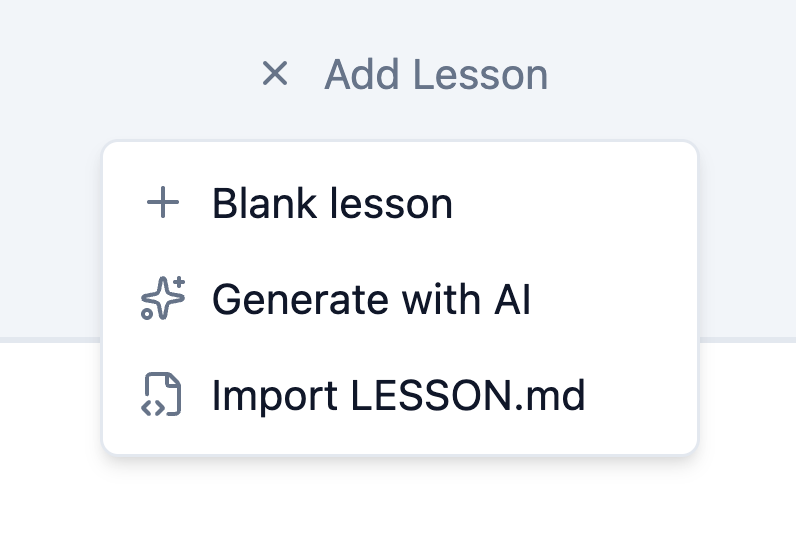
Bring your file into any tool that supports the format. No copy-pasting, no reformatting.
Add media and publish
Drop in images, video, and other assets in your authoring tool. Your lesson structure is already in place.
Easy to adopt. Impossible to outgrow.
LESSON.md came out of patterns we recognized while building Slate. The format starts at the lesson level: a single, self-contained unit of learning. It's open, so other vendors can use it, extend it, or leave it.
Just Markdown
If your tool can read Markdown, you're most of the way there. No proprietary SDK or license required.
Make it yours
Each vendor creates their own LESSON.md based on shared patterns, then adds properties for their own block types. Tools importing simply skip what doesn't apply.
Extensible by design
Standard Markdown for content. A simple directive syntax for interactive blocks. The format grows with your tool, not against it.
See how Slate implements LESSON.md → View Slate's documentation
Explore LESSON.md.
Try it in an authoring tool, or use it in your own product.
Slate eLearning is a Canadian startup building open tools for eLearning. When you subscribe to a paid plan, you help us unlock funding from Canadian AI innovation programs — so your support goes further than you might think.